
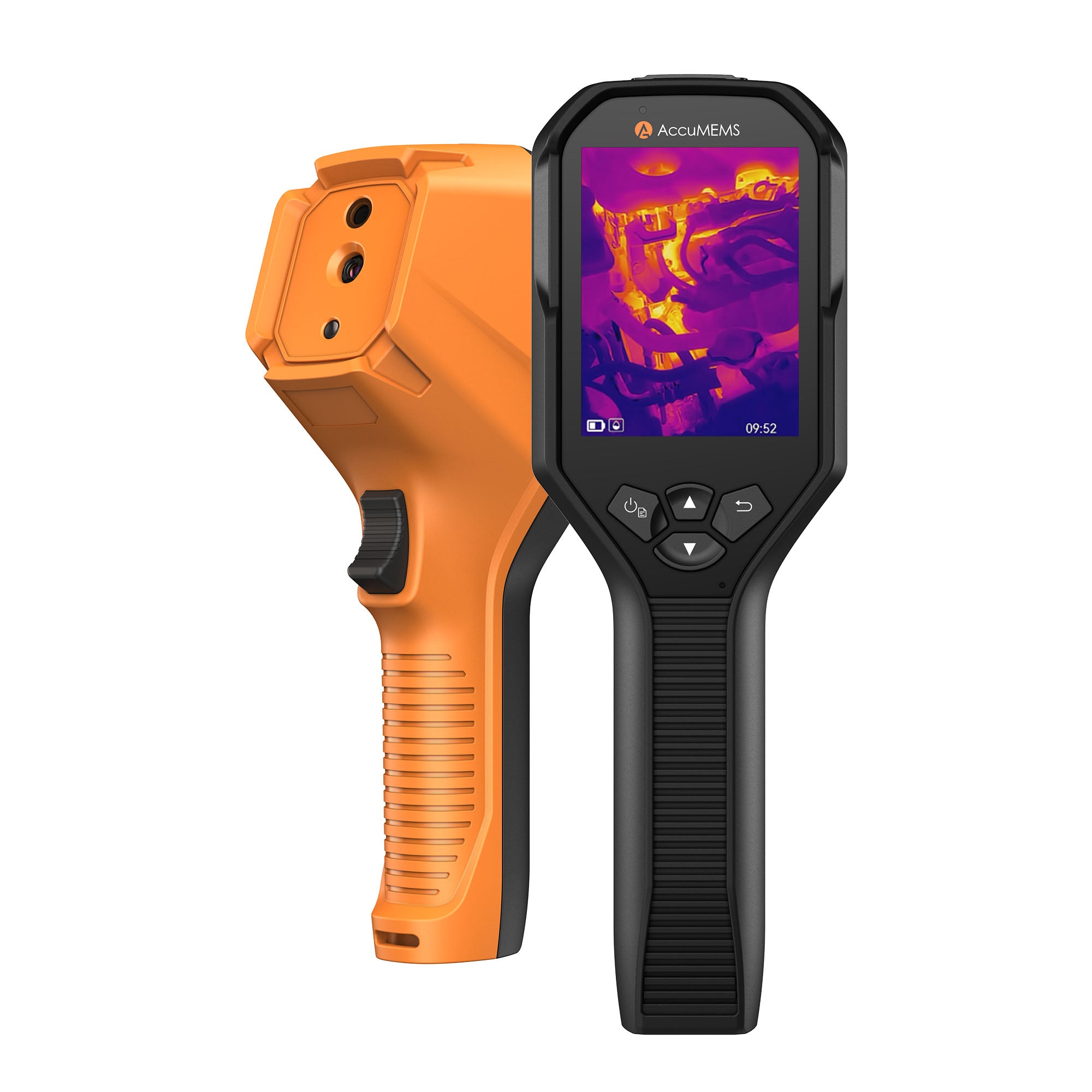


Way to Choose a Usage Scene
Choose a scene according to the faults or irregularities you want to locate in a specific detection scene.
1. In real-time interface, press 【Power Switch】 to reveal the menu.
2. Press 【Up Arrow Icon\Down Arrow】 to select Usage Scene.
3. Choose a desired scene.
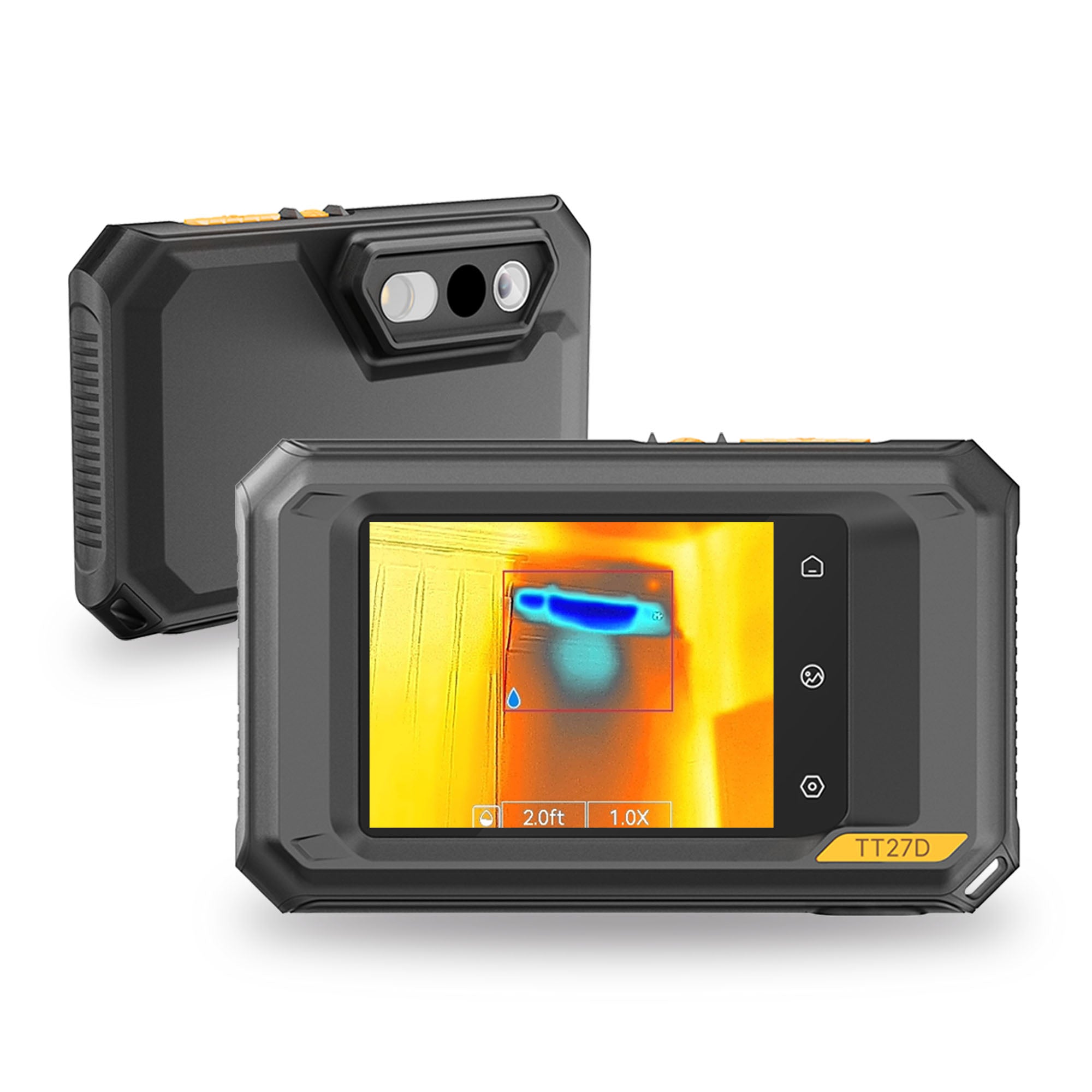
Moisture Detect
This scene is used to detect water leaks on indoor building ceilings, walls, and floors.
UIRA-Scene technology enables rapid identification of irregularities during leak inspections. Upon enabling this function, if moisture irregularities are detected, the system will mark them with "Suspect" indicators and red frames in the real-time interface.
NOTE:
- If the temperature difference in areas with moisture irregularities is too subtle to be detected, missed or incorrect reporting may occur.
- A secondary diagnosis using the UIRA-Scene function is recommended. The algorithm for this function is currently being updated.
- Simultaneously enabling UIRA-IR and UIRA-Scene reduces the frame rate.
- To use the alarm function of this scene, go to Settings → Alarm Trigger. For details,refer to User Manual 5.4 Alarm Configuration.
- The picture is for reference only. Always refer to your imager.
Method
1. To improve water leak detection success rates.Please adhere to recommended leak area and detection distance guidelines. Ensure the leak area and detection distance match your imager’s IR resolution.
For example:
| IR Resolution | Distance | Leak Area |
| 96×96/128×128 | ≤ 1m | ≥ 10cm×15cm |
| 96×96/128×128 | ≤ 2m | ≥ 20cm×30cm |
| 256×192 | ≤ 2m | ≥ 10cm×15cm |
| 256×192 | ≤ 4m | ≥ 20cm×30cm |
Please visit our official website for the latest parameters.
2. Perform multiple inspections and dynamic comparisons:
Relying on a single thermal image may lead to errors. Compare images taken at different times (e.g., day vs. night), under varying temperature conditions, or from different angles.You can also observe the same area dynamically.
Home Insulation
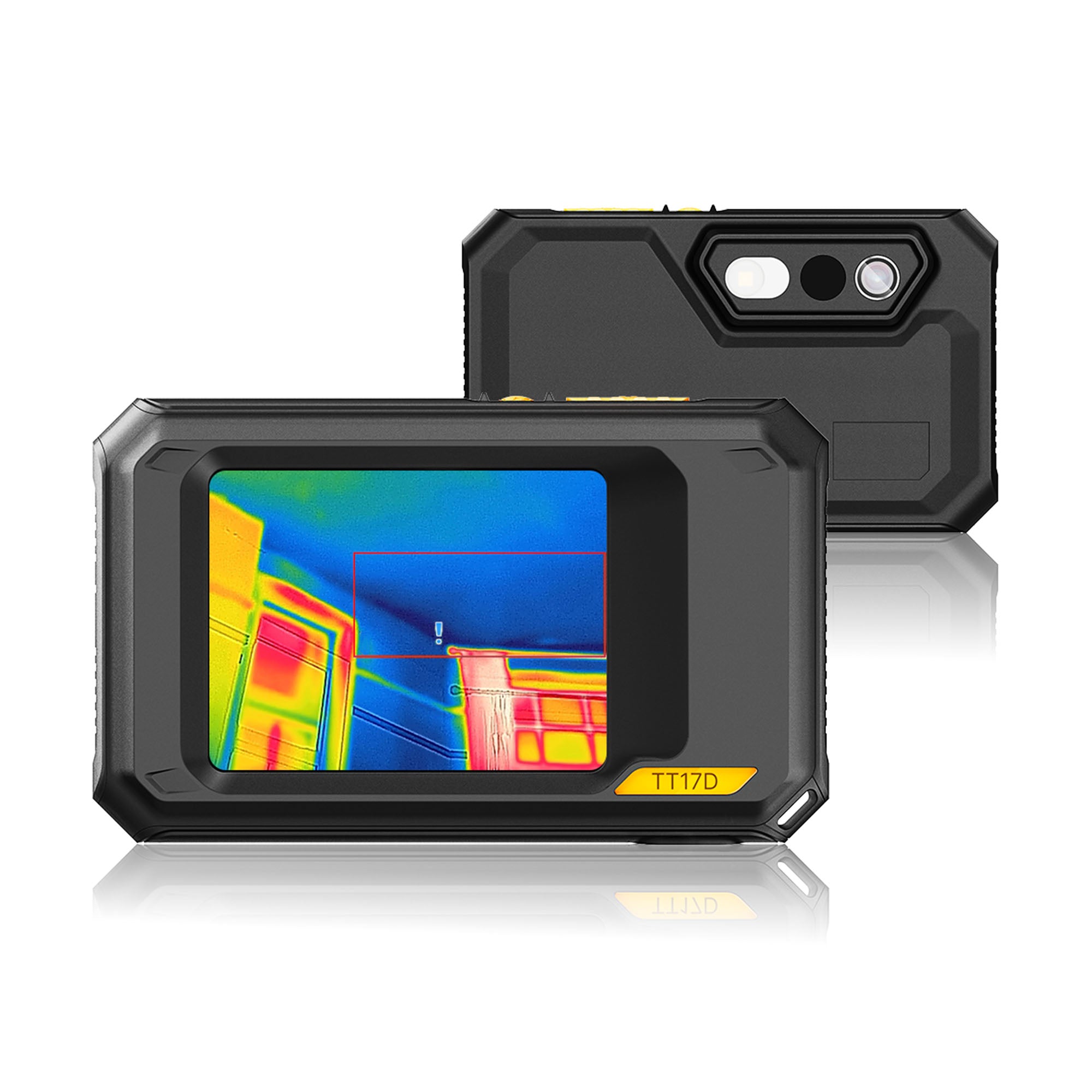
This scene is used to detect home insulation irregularities of indoor building structures such as walls and ceilings.
UIRA-Scene technology enables rapid identification of irregularities during insulation inspections. Upon enabling this function,if insulation irregularities are detected, the system will mark them with “Suspect” indicators and red frames in the real-time interface.If air leak points are detected, the system will mark them with “Suspect Air Leak” indicators and red frames in the real-time interface.
NOTE
- If the temperature difference in areas with insulation irregularities is too subtle to be detected, missed or incorrect reporting may occur.
- A secondary diagnosis using the UIRA-Scene function is recommended. The algorithm for this function is currently being updated.
- Simultaneously enabling UIRA-IR and UIRA-Scene reduces the frame rate.
- To use the alarm function of this scene, go to Settings → Alarm Trigger. For details,refer to User Manual 5.4 Alarm Configuration.
- The picture is for reference only. Always refer to your imager.
Floor Heating
This scene is used to detect and monitor faults in underfloor heating systems.
UIRA-Scene technology enables rapid identification of irregularities during floor heating inspections. Upon enabling this function, if heat irregularities are detected, the system will mark them with “Suspect” indicators and red frames in the real-time interface.
NOTE
- If the temperature difference in areas with heat irregularities is too subtle to be detected, missed or incorrect reporting may occur.
- A secondary diagnosis using the UIRA-Scene function is recommended. The algorithm for this function is currently being updated.
- Simultaneously enabling UIRA-IR and UIRA-Scene reduces the frame rate.
- To use the alarm function of this scene, go to Settings → Alarm Trigger. For details,refer to User Manual 5.4 Alarm Configuration.
- The picture is for reference only. Always refer to your imager.
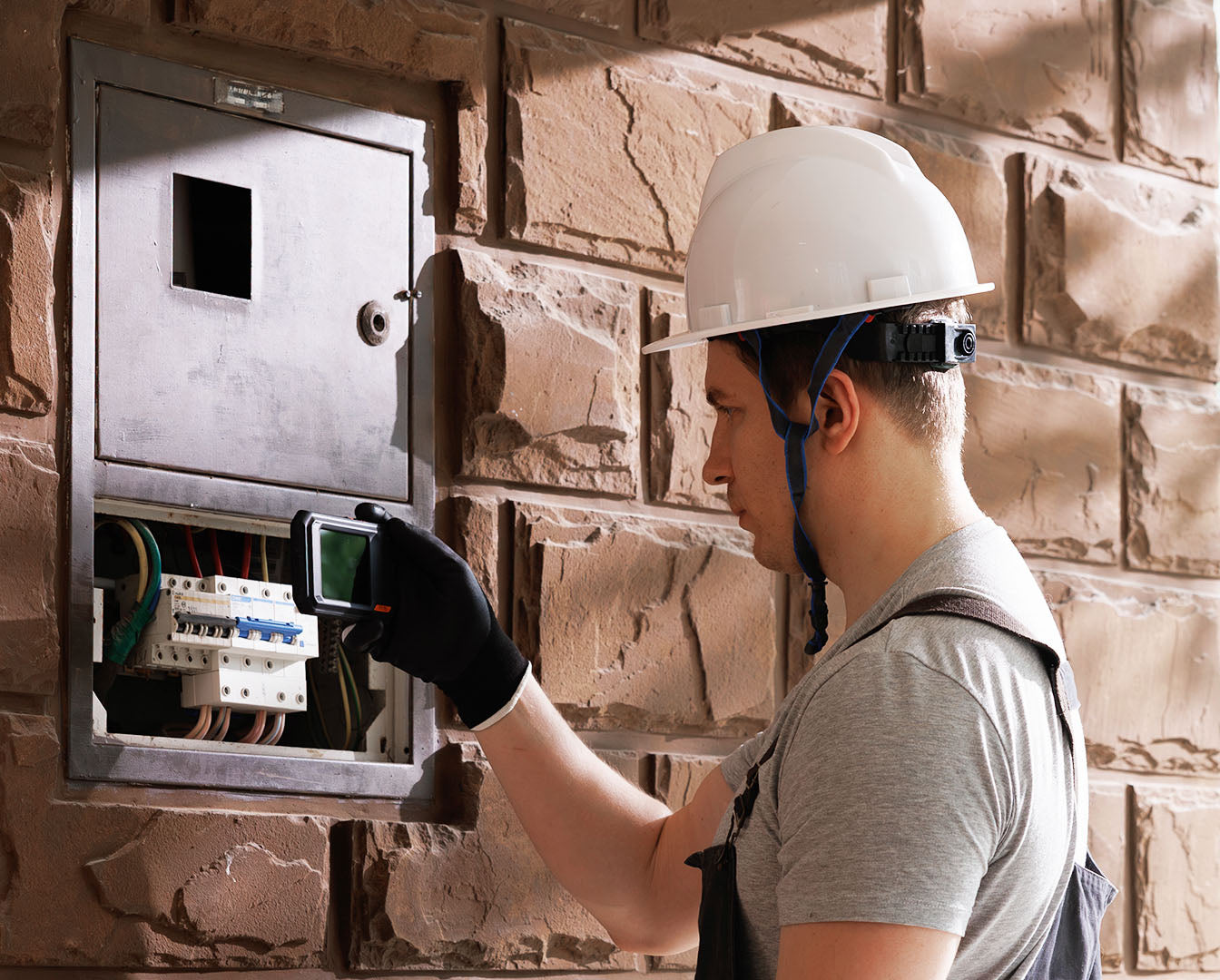
Electrical Failure
This scene is used to detect and monitorfaults in wires, circuits, electrical components,terminators, and similar items.
Solar Panel
This scene is used to detect and monitor faults in solar panels.

Custom
This scene allows users to create a personalized mode by saving preferred temperature measurement parameters for later use. Refer to next part "(Optional) Configure Usage Scene Parameters" for detailed instructions.
(Optional) Configure Usage Scene Parameters
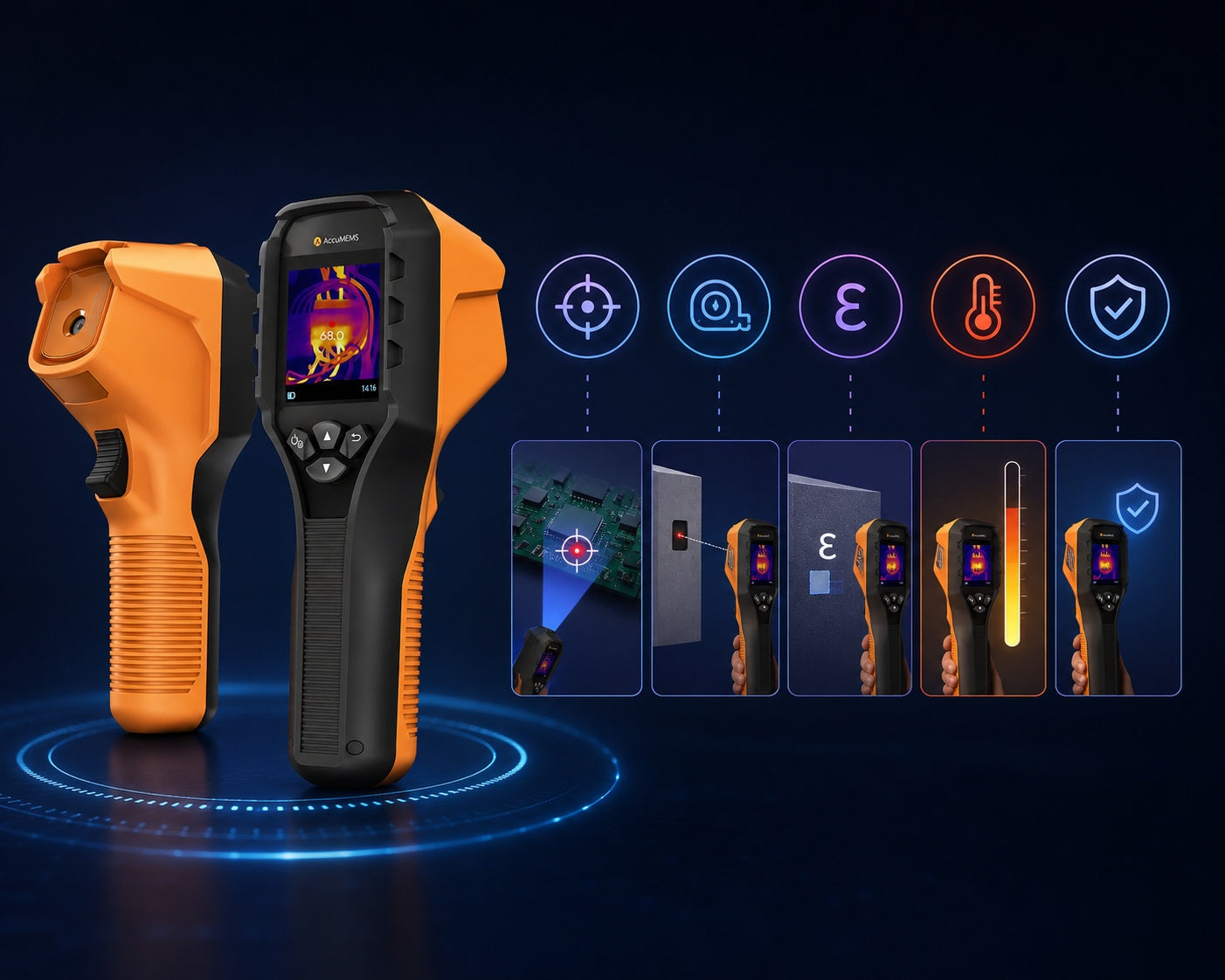
Users can adjust related parameters to achieve more precise detection results. In Usage Scene,choose a desired scene and then press【Back Button】to set parameters.
NOTE:
Parameters vary depending on the selected scene.
| Parameters | Description |
| Distance | Configure the distance between the imager and the target object. |
| Emissivity | Configure the emissivity value according to the target object. |
| Palettes | Palettes represent temperature using different colors.Users can select a preferred color palette. |
| Level & Span | The temperature scale on the right helps visualize the color-temperature relationship in the image. Refer to User Manual 6.3 Level & Span Configuration for detailed instructions. |
| Temperature Range | Select the temperature measurement range. In Auto Switch mode, the imager automatically detects temperature and switches ranges accordingly. |
| Alarm | When the target temperature triggers a configured alarm rule, users can be notified through configured rules. Refer to User Manual 5.4 Alarm Configuration for detailed instructions. |
| Color Display |
Choose between Linear and Histogram modes for different scenarios to enhance detail visibility:
|
Technical limitations of UIRA-Scene Algorithm
1. Can the UIRA-Scene Algorithm Detect Water Leaks, Insulation Issues or Heat Irregularities with 100% Accuracy?
No, it does not achieve 100% accuracy. The UIRA-Scene algorithm is designed for preliminary screening by analyzing thermal image characteristics in various scenarios,based on clear images captured by users. If an area is marked as "Suspect," we recommend manual verification by professionals. Additionally, keeping your imager’s firmware updated ensures access to the latest algorithm enhancements.
2. Factors may Interfere with the Detection Results of UIRA-Scene
Different wall materials and surrounding heat sources
- Heat diffusion properties of different wall materials:
Some wall materials exhibit heat diffusion patterns that resemble common wall defects, making it necessary for experienced professionals to conduct further verification. - Interference from ambient heat sources (e.g., heaters or air conditioning vents):External heat sources may cause localized temperature increases on wall surfaces, affecting detection accuracy.


Leave a comment
This site is protected by hCaptcha and the hCaptcha Privacy Policy and Terms of Service apply.